If you want to bring your creative ideas to life and master the art of digital concept design, you’re in the right place. Whether you’re just starting out or looking to sharpen your skills, this guide will walk you through the essential tips and techniques you need.
Imagine being able to craft stunning characters, vivid environments, and captivating scenes—all from your computer. With the right approach, tools, and mindset, you can turn your vision into reality faster and with more confidence. Ready to unlock your potential and create digital art that truly stands out?
Let’s dive into the step-by-step guide that will transform how you approach concept art.

Credit: kevurugames.com
Essential Tools
Essential tools form the backbone of digital concept art. Choosing the right gear helps you create better work. It also makes the process smoother and faster. This section covers the main hardware, software, brushes, and textures you need.
Hardware Choices
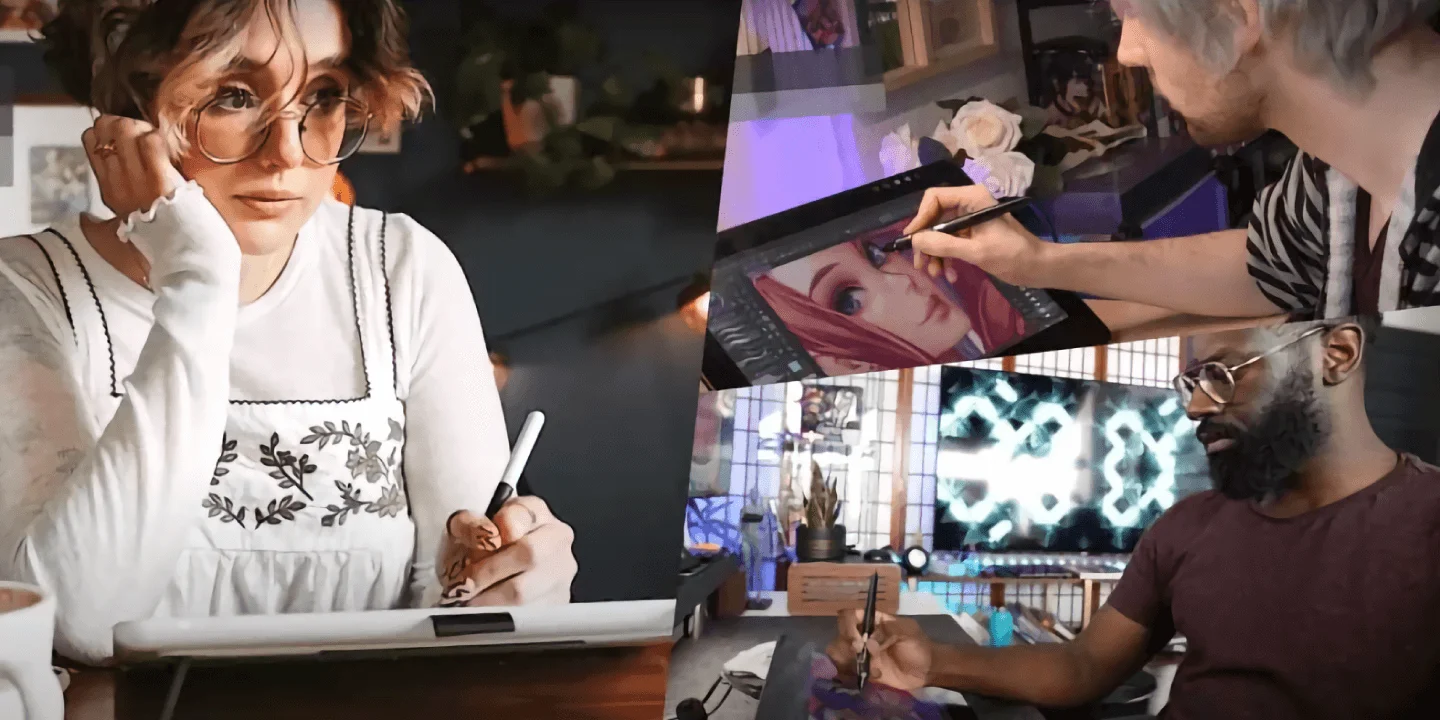
A good computer or tablet is key for digital art. It must handle heavy software without lag. Graphics tablets with a stylus offer precision and control. Popular brands include Wacom, Huion, and XP-Pen. A large screen helps you see details clearly. A comfortable setup reduces strain during long sessions.
Software Options
Software lets you bring your ideas to life. Programs like Adobe Photoshop and Clip Studio Paint are industry favorites. Free options such as Krita also work well. Look for tools that support layers and custom brushes. Easy interface and fast performance boost creativity.
Brushes And Textures
Brushes mimic real painting tools in digital form. Different brushes create various effects like rough or smooth strokes. Custom brushes add unique styles to your art. Textures give surfaces a realistic feel. Using texture overlays can make your work stand out.
Basic Techniques
Basic techniques form the foundation of digital concept art. These methods help artists build clear and effective designs. Understanding these techniques improves workflow and final results. Starting with simple steps ensures steady progress and skill growth.
Sketching And Blocking
Sketching begins the creative process. Use loose lines to capture shapes and ideas quickly. Blocking helps separate major forms and space. It sets the composition and balance of the artwork. Focus on overall structure before details. Keep the sketch simple and flexible for changes.
Layer Management
Layers keep your work organized and editable. Use separate layers for sketching, colors, and effects. Name layers clearly to find them easily. Lock layers to avoid accidental changes. Group related layers to manage complex drawings. Proper layer use saves time and prevents frustration.
Color Selection
Choose colors that match the mood and setting. Limit your palette to maintain harmony and focus. Use warm colors for energy and cool colors for calmness. Test colors on different parts before finalizing. Adjust brightness and contrast to add depth. Good color choice enhances storytelling in your art.
Composition Tips
Good composition is key to strong digital concept art. It controls how the viewer’s eye moves across the image. Careful layout helps tell your story clearly and keeps your art interesting. These composition tips will improve your artwork’s flow and impact.
Dynamic Balance
Dynamic balance avoids perfect symmetry. It creates tension and energy in your art. Place elements unevenly but so they still feel stable. This keeps the viewer curious and engaged. Use shapes and colors to balance each other without being identical. Dynamic balance feels natural and lively.
Focal Points
Focal points grab the viewer’s attention first. Make them clear and strong. Use contrast, bright colors, or sharp details to highlight these areas. Place focal points where you want the viewer to look first. Avoid clutter around them to keep focus. Good focal points tell your story better.
Rule Of Thirds
The rule of thirds divides your canvas into nine equal parts. Place important elements along the lines or where they cross. This creates a pleasing, balanced look. It stops your art from feeling static or centered too much. The rule of thirds helps guide the viewer’s eye naturally.
Credit: www.clipstudio.net
Mastering Anatomy
Understanding anatomy is essential for digital concept art. It helps create believable characters and creatures. Anatomy study improves your ability to draw bodies in dynamic poses. This knowledge builds a strong foundation for your art.
Focus on the human body’s structure and how muscles and bones work together. This makes your art look natural and realistic. You do not need to draw every detail but know the basics well.
Proportions And Structure
Proportions show the size relationship between body parts. Learn the average head-to-body ratio first. Most adults are about 7 to 8 heads tall. Use simple shapes like circles and rectangles to build the body frame. This helps keep your drawings balanced and accurate.
Study the skeleton’s main parts and how joints move. It guides posing and movement in your art. Practice breaking down complex poses into simple shapes for better control.
Gesture Drawing
Gesture drawing captures the body’s action and flow. It is quick and loose, focusing on movement over detail. Spend a few minutes drawing different poses from life or photos. This trains your eye to see natural motion.
Use long, smooth lines to show energy and direction. Avoid stiff or static poses. Gesture drawing warms up your hand and mind before detailed work.
Facial Features
Faces express emotion and personality. Start by learning the basic face proportions. The eyes sit halfway down the head. The nose lies halfway between eyes and chin. The mouth is about one-third below the nose.
Practice drawing each feature separately: eyes, nose, mouth, ears. Notice how light and shadow shape the face. Use simple lines and shapes first, then add details step-by-step.
Lighting And Shadows
Lighting and shadows shape the mood and depth of digital concept art. They guide the viewer’s eye and create a sense of space. Proper use of lighting and shadows brings scenes to life. Understanding how to work with these elements improves your art’s realism and emotion.
Light Sources
Identify where your light comes from in the scene. A single light source creates clear highlights and shadows. Multiple lights add complexity but need careful balance. Natural light, like sunlight, is bright and warm. Artificial lights vary in intensity and color. Place lights to highlight key parts of your design. Consider light direction to show form and texture.
Shadow Placement
Shadows anchor objects to the scene and add realism. They should match the light source direction and strength. Hard shadows come from strong, direct light. Soft shadows appear with diffused or weak light. Use shadows to create depth between foreground and background. Avoid placing shadows randomly; they must follow logic. Shadows can also show time of day and weather conditions.
Color Temperature
Color temperature affects the feel of your lighting. Warm light has orange, red, or yellow tones. Cool light contains blue, green, or purple shades. Mixing warm and cool light adds contrast and interest. Warm light often suggests sunlight or fire. Cool light fits moonlight or indoor fluorescent lamps. Adjust color temperature to match the mood you want to create.

Credit: www.artworkarchive.com
Color Theory
Color theory is a key skill for digital concept artists. It helps choose colors that work well together. This makes art more appealing and clear. Understanding color basics improves mood and storytelling in your work.
Using color well draws attention to important parts. It also creates a mood or feeling. Learning color theory guides your choices and saves time. Your artwork becomes stronger and more believable.
Primary And Secondary Colors
Primary colors are red, blue, and yellow. They cannot be made by mixing other colors. Secondary colors come from mixing two primary colors. These are green, orange, and purple.
Knowing these colors helps build your palette. You can mix to get many shades. This knowledge is the base for all color use in art.
Palette Creation
Start palette creation with a few base colors. Choose colors that fit the mood of your piece. Limit the number to keep harmony and avoid confusion.
Add shades and tints by mixing your base colors with white or black. This expands your options without losing balance. Use digital tools to save and test your palette.
Contrast And Harmony
Contrast makes parts of the art stand out. Use light and dark colors next to each other. This guides the viewer’s eye to key details.
Harmony means colors look good together. Use colors close on the color wheel for calm feelings. Mix contrasting colors carefully to keep balance.
Good contrast and harmony improve the story your art tells. They keep viewers interested and make your work clear.
Character Design
Character design is a key part of digital concept art. It shapes how viewers see and connect with your creation. A well-designed character tells a story without words. It has personality, style, and clear traits. Every choice in shape, costume, and detail matters. These elements work together to create a memorable figure. Focus on clarity and uniqueness to make your character stand out.
Silhouette And Shape
Start with a strong silhouette. It helps your character be recognizable from far away. Use simple shapes to build the form. Round shapes feel friendly, sharp shapes seem dangerous. Mix shapes to show personality. Keep the outline clean and clear. Avoid clutter that confuses the viewer. Test the silhouette in black and white. Make sure it reads well without details.
Costume And Accessories
Costumes tell a lot about a character’s background. Choose styles that fit their role and world. Add accessories that show their habits or skills. Keep the design practical and believable. Avoid overloading with too many items. Each piece should add meaning or function. Use layers and textures to create depth. Colors in costumes can hint at mood or allegiance.
Unique Details
Small details bring a character to life. Scars, tattoos, or jewelry add history. Consider unique traits that make them different. These details help viewers remember your character. Avoid clichés and copy-paste ideas. Think about their personality and story. Use details to support these traits. Balance uniqueness with simplicity to avoid confusion.
Environment Design
Speeding up your digital concept art workflow saves time and boosts creativity. It helps you finish projects faster and explore more ideas. Working efficiently also reduces stress and keeps you motivated. Follow these tips to streamline your process and improve your art speed.
Efficient Practice
Practice regularly with focused goals. Limit your session time to avoid burnout. Use quick sketches to capture ideas fast. Repeat exercises that challenge your weak points. Consistency builds muscle memory and speeds up drawing skills. Track your progress to see what works best.
Using References
Keep a library of reference images for inspiration. Study shapes, colors, and lighting from real photos. Use references to avoid guesswork and save time. Combine different references to create unique designs. Organize your references for easy access during work. This method sharpens your eye and speeds up decisions.
Shortcut Techniques
Learn keyboard shortcuts for your drawing software. Customize tools you use often for quick access. Use layer groups and masks to stay organized. Try templates or reusable brushes to cut down repetitive tasks. Use symmetry tools for faster character or object creation. These tricks help you work smarter, not harder.
Frequently Asked Questions
What Is The 70/30 Rule In Art?
The 70/30 rule in art suggests using 70% dominant elements and 30% contrasting details. This balance creates dynamic, engaging compositions.
What Is The 80 20 Rule In Art?
The 80/20 rule in art means 80% of a piece uses dominant elements, while 20% adds contrast or focal points. It creates dynamic balance and visual interest.
What Is The 70/30 Rule In Character Design?
The 70/30 rule in character design means 70% of the design is simple and unified. The other 30% adds contrast with unique details. This balance creates visual interest and guides the viewer’s focus effectively.
What Are The 7 Elements Of Digital Art?
The 7 elements of digital art are line, shape, color, texture, value, space, and form. These elements build visual appeal and meaning.
Conclusion
Digital concept art takes practice and patience to improve. Use simple tools and keep experimenting with styles. Focus on shapes, colors, and composition for strong designs. Study other artists and learn from their techniques. Remember, every sketch brings you closer to better art.
Keep your ideas clear and your work consistent. Enjoy the creative process and trust your progress. This guide can help, but your effort matters most.