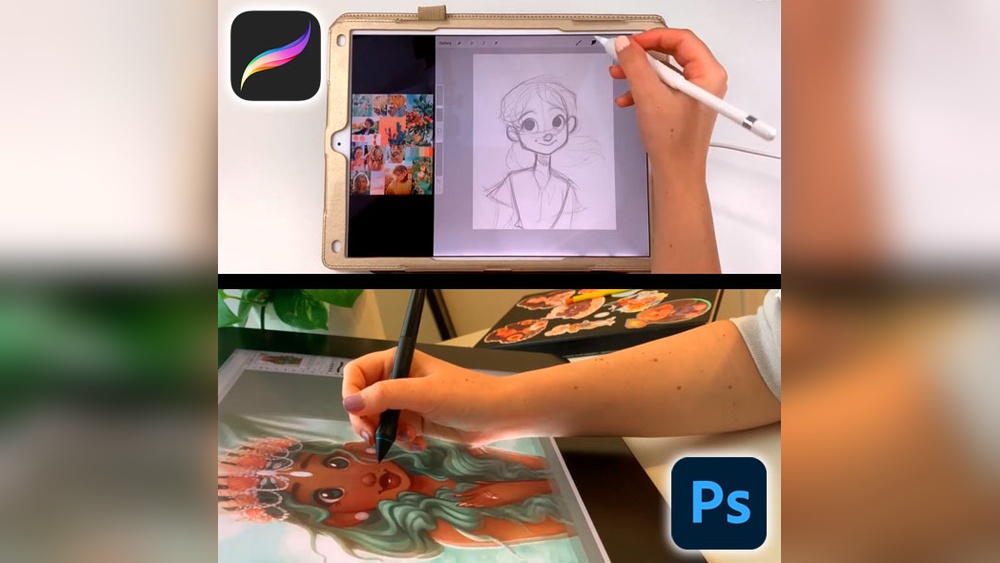
When it comes to digital illustration, choosing the right tool can make all the difference in bringing your creative vision to life. You might be wondering: should you go with Procreate or Photoshop for your artwork?
Both are powerful, but they offer very different experiences depending on your style, workflow, and device. Whether you’re sketching on the go or working on a detailed desktop project, understanding the strengths and limits of each will help you work smarter and create better art.
You’ll discover which software fits your needs best, so you can focus on what truly matters—making your illustrations stand out. Keep reading to find out which one will unlock your full creative potential.
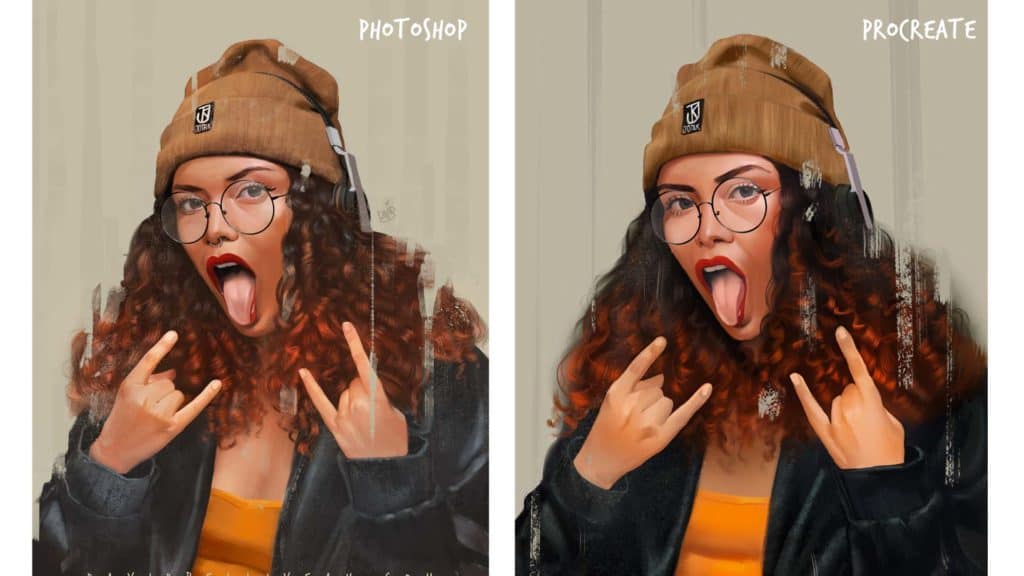
Credit: paintable.cc

Credit: www.youtube.com
Frequently Asked Questions
What Can Photoshop Do That Procreate Can’t?
Photoshop offers advanced photo editing, extensive layer controls, vector tools, and superior text features. It supports desktops and complex workflows. Procreate focuses on iPad illustration with fewer export and text options. Photoshop also handles larger files and integrates better with Adobe Creative Cloud apps.
Is Procreate Good For Illustration?
Procreate is excellent for illustration, offering intuitive tools and realistic brushes for sketching, inking, and coloring on iPad. It suits artists seeking a portable, user-friendly app for detailed digital artwork.
Is Adobe Illustrator Better Than Procreate?
Adobe Illustrator excels in vector graphics and scalability. Procreate offers intuitive raster drawing on iPad. Choose Illustrator for logos; Procreate for digital painting.
What Are The Cons Of Procreate?
Procreate limits layer count and only works on iPads. It lacks advanced text tools and has basic export options. The app requires costly Apple hardware.
Conclusion
Choosing between Procreate and Photoshop depends on your illustration needs. Procreate works best for quick sketches and detailed drawings on iPad. Photoshop offers more tools and suits complex projects on desktops. Both apps have unique strengths and some limits. Consider your device, budget, and style before deciding.
Experimenting with each can help find the right fit. The key is to pick the software that supports your creativity well.