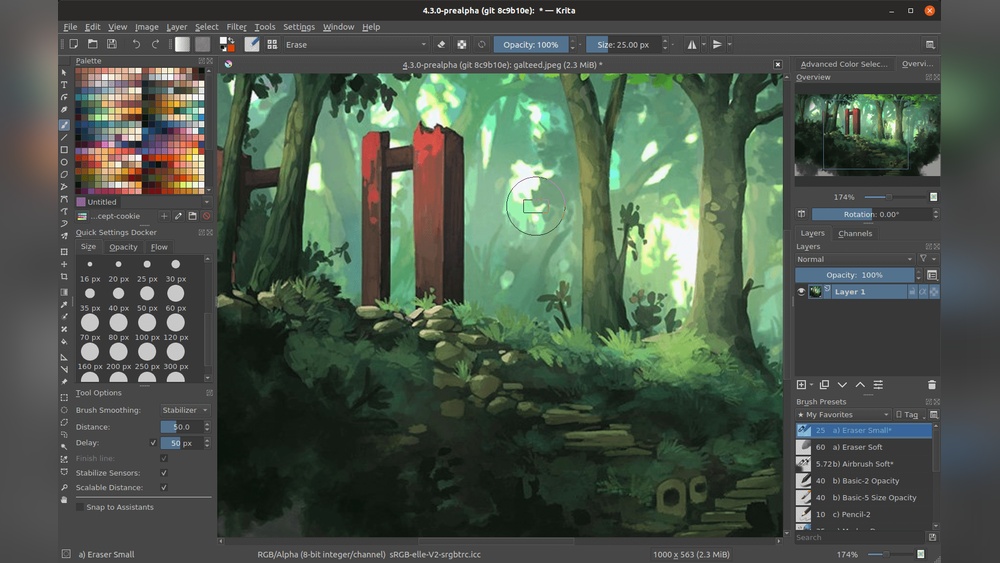
If you’ve ever wanted to bring your creative ideas to life without spending a dime, digital painting on Krita is the perfect place to start. Imagine having a powerful, professional-grade art tool right at your fingertips—completely free and designed by artists like you.
Whether you’re a beginner or looking to improve your skills, this guide will show you exactly how to create stunning digital paintings using Krita’s easy-to-use features. Ready to unlock your artistic potential and make your digital masterpieces stand out? Keep reading, and you’ll discover simple steps and tips that will have you painting like a pro in no time.
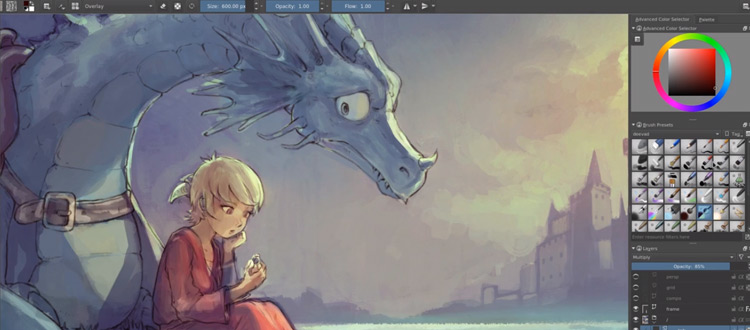
Credit: conceptartempire.com
Getting Krita
Getting started with Krita is simple and free. This section guides you through obtaining the software. Follow clear steps to download, install, and set up Krita on your device. Digital painting begins here.
Downloading And Installing
Visit the official Krita website to download the software. Choose the version that matches your operating system. The download file is safe and free. After downloading, open the file to start installation. Follow the on-screen instructions to complete the process. Installation takes only a few minutes.
System Requirements
Krita works well on many computers. Your system should have at least 4GB of RAM for smooth performance. A graphics tablet is useful but not required. The software supports Windows, macOS, and Linux. Ensure your device meets these basics for the best experience.
Setting Up For First Use
Open Krita after installation. The first screen helps you select a workspace. Choose the default or customize it to your needs. Set up your canvas size and resolution. Adjust brush settings and tool options. Save your preferences to start painting right away.

Credit: www.reddit.com
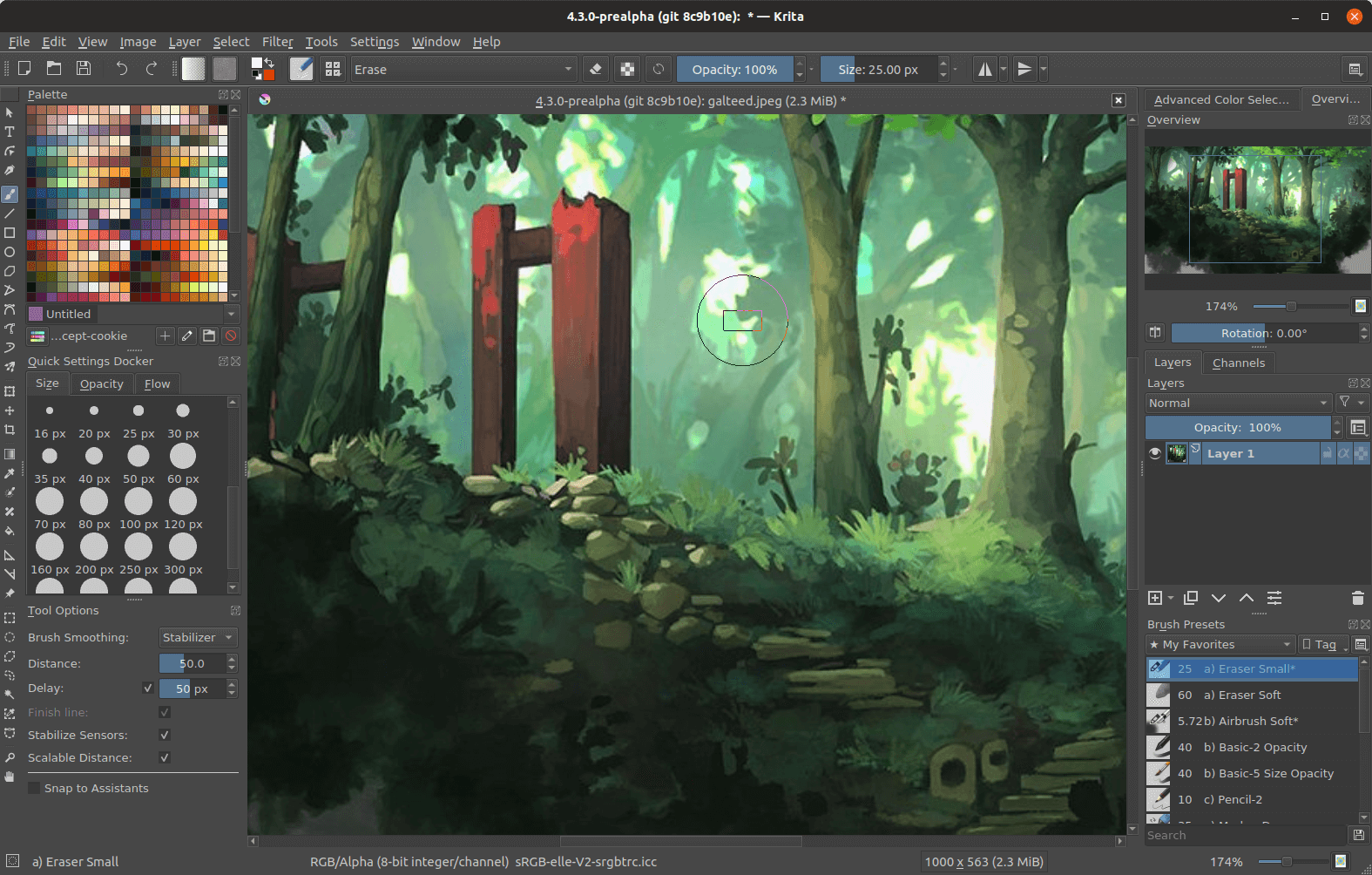
Credit: www.softwareadvice.ie
Getting Comfortable in Krita
Set up your tablet
Check pressure works and adjust the pressure curve in settings if strokes feel too light or heavy.
Use the pop up palette
Right click opens a palette of favourite brushes and recent colours, speeding up painting.
Learn key shortcuts
Brush size, undo, eyedropper, zoom and canvas rotation shortcuts save time.
Brush presets
Krita includes many presets; pick a few favourites rather than switching constantly.
Save in the native format
Save as .kra to keep layers, and export PNG or JPEG copies for sharing.
Where to Go Next with Krita
Once the basics feel comfortable, explore layer blending modes, the assistant tools for perspective, and the wrap around mode for seamless textures. The official Krita documentation and community forums are free and thorough, and they are the best place to learn features as new versions arrive.
Frequently Asked Questions
Is Krita A Free Digital Painting Software?
Krita is a free, open-source digital painting software available for Windows, macOS, and Linux. It offers professional-grade tools for artists.
Is Krita No Longer Free?
Krita remains completely free and open-source software under the GNU GPL license. Users can download and use it without cost forever.
How To Start Painting In Krita?
Open Krita and create a new canvas. Select a brush from the toolbar. Use layers to organize your work. Start sketching and apply colors using brush tools. Adjust brush settings for different effects. Save your work regularly to avoid loss.
How To Create Digital Art For Free?
Download free software like Krita or GIMP for digital art creation. Use online tutorials to learn basic techniques and practice regularly. Explore brushes, layers, and tools to enhance your artwork without any cost.
Conclusion
Digital painting on Krita is simple and fun to learn. This free software offers many useful tools for artists. Start with basic brushes and practice your strokes daily. Explore layers and colors to bring your ideas alive. Don’t rush; patience helps improve your skills over time.
Krita supports creativity without any cost, making art accessible to all. Keep experimenting and enjoy your digital art journey with Krita.