Are you ready to bring your digital art to life with the mesmerizing glow of fire? Painting digital flames can seem tricky, but with the right tips and techniques, you’ll create stunning, realistic fire that grabs attention.
In this guide, you’ll discover simple steps to make your flames look bright, dynamic, and full of energy. Whether you want to add a warm campfire glow or fierce wildfire sparks, these easy-to-follow tips will boost your skills and spark your creativity.
Keep reading, and watch your digital fire burst into vivid, eye-catching art!
Choosing Colors
Choosing the right colors is key to painting digital fire that looks alive and vivid. Fire is not just a single color. It blends bright and dark shades that create a glowing effect. Picking the correct colors helps show heat and movement. This section breaks down the basic colors you need and how to mix warm and cool tones for a realistic flame.
Base Colors For Flames
Start with bright yellows and oranges as your base colors. These colors form the core of the fire’s glow. Yellow shows the hottest parts, usually near the center. Orange adds depth and richness to the flame. Use smooth gradients between these colors to create a smooth transition. Avoid flat colors to keep the fire looking natural.
Adding Warm Tones
Warm tones like red and deep orange add intensity to your fire. Use them at the edges or flickers of the flame. These colors suggest heat and energy. Apply them softly to avoid harsh lines. Warm tones help your fire feel alive and dynamic. They give the flame a realistic warmth that catches the eye.
Incorporating Cool Hues
Cool hues like blue or purple add contrast and depth. Use these sparingly near the base or outer edges of the flame. Cool colors show the cooler parts of the fire or smoke. They balance the brightness of warm colors. Adding cool hues makes your fire more complex and visually interesting.
Layering Techniques
Layering techniques play a vital role in painting digital fire. They help create a realistic glow and motion. Using layers allows you to separate different parts of the fire. This makes editing easier and results more vibrant. Below are key layering tips to improve your digital fire art.
Building Transparency
Start with a low-opacity brush to paint the base colors. Gradually increase the opacity on new layers to add brightness. Transparent layers help simulate the lightness of flames. Use soft brushes to avoid harsh edges. This creates a smooth transition from bright to dark areas.
Using Blending Modes
Blending modes change how layers interact. Modes like “Screen” or “Add” brighten the colors underneath. They enhance the glow effect of fire. Experiment with different modes to find what suits your style. Avoid using too many modes at once to keep the fire clear and sharp.
Creating Depth With Layers
Use multiple layers to separate fire parts: core, mid-flame, and outer glow. Paint the hottest, brightest part on the top layer. Add softer, dimmer colors on layers below. This layering builds depth and makes the fire appear alive. Adjust opacity and color to balance the layers well.
Brush Settings
Brush settings play a crucial role in painting digital fire. They control how your strokes look and behave. Adjusting these settings helps create realistic flames and glowing effects. Proper brush use adds depth and energy to your fire art.
Selecting The Right Brushes
Choose brushes that mimic soft and hard edges. Soft round brushes work well for glowing areas. Hard round or textured brushes add sharp details. Using a mix of brush types creates a natural flame look. Experiment with brushes designed for smoke or sparks.
Adjusting Opacity And Flow
Lower opacity lets you build color gradually. It helps blend colors smoothly in the fire. Flow controls how much paint applies with each stroke. Use low flow for subtle transitions and flickering effects. Increase opacity for bright, intense spots in the flame.
Customizing Brush Shapes
Modify brush shape dynamics for varied strokes. Change size jitter to add randomness in flame edges. Adjust angle jitter to simulate natural flickering movement. Use scatter settings to create sparks and embers. Custom shapes make your fire look alive and dynamic.
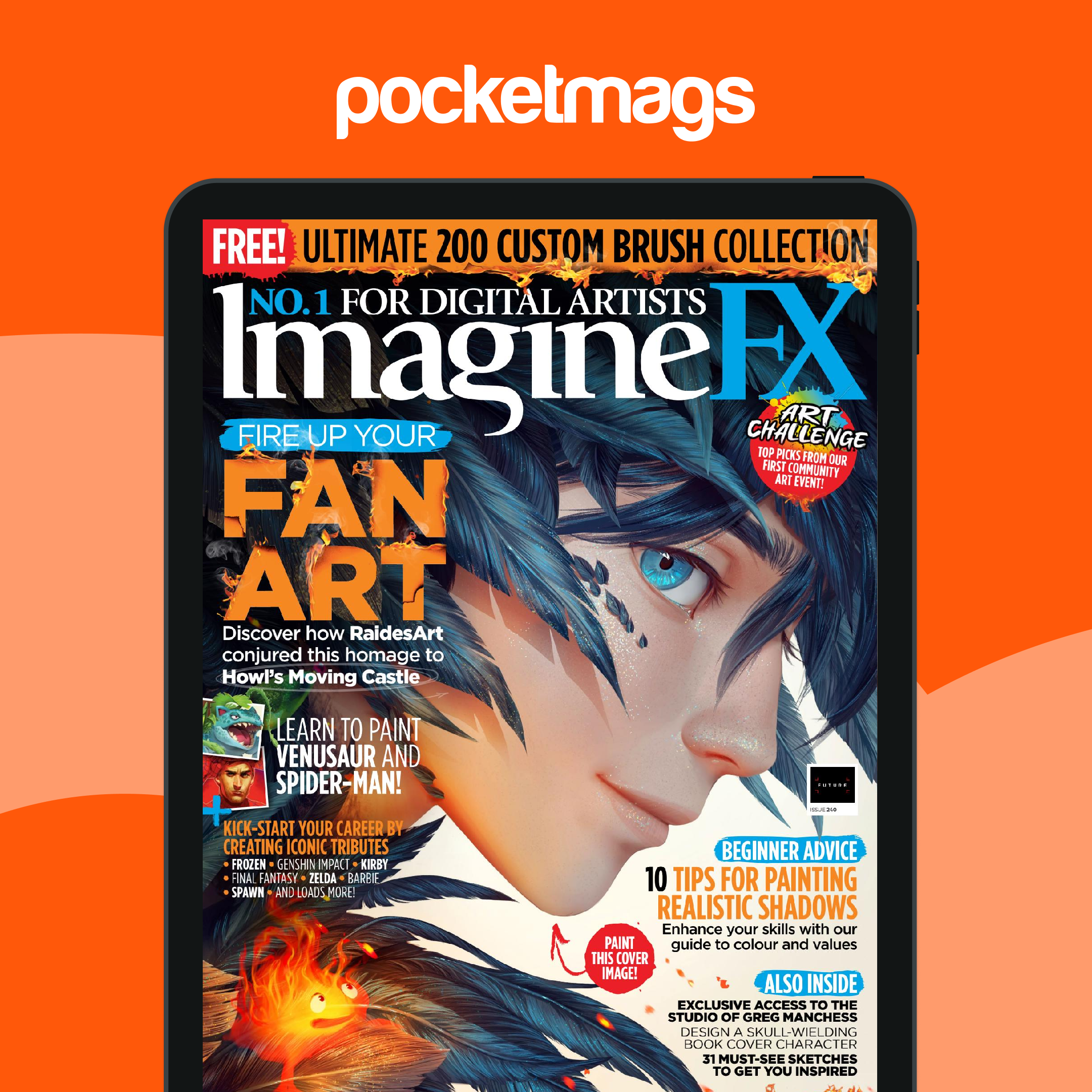
Credit: pocketmags.com
Shape And Movement
Understanding the shape and movement of fire is key to painting digital flames that feel alive. Fire is never still. It twists, flickers, and flows in unique patterns. Capturing this motion helps make your fire look natural and dynamic.
Focus on the flame’s outline and how it changes as it burns. Flames often have pointed tips and soft curves. Observing real fire or video references can guide your digital brush.
Capturing Flame Dynamics
Flames move in unpredictable ways. They stretch upward and bend with the wind. Use long, flowing strokes to show this motion.
Vary the width of your strokes to mimic the flame’s pulse. Narrow tips and wider bases create a natural look. Small flicks at the edges add energy.
Designing Flame Tips
Flame tips are sharp and irregular. Avoid making them too symmetrical. Slight differences in length and angle make flames look real.
Use quick, confident brush strokes to shape the tips. Let some flames lean or curve to one side. This adds life and character.
Adding Flicker And Flow
Flicker gives fire its lively feel. Add tiny wisps and sparks that jump from the main flame. These details show movement.
Flow means how the fire travels. Paint smooth transitions between colors and shapes. Blend edges softly to suggest heat waves and shifting air.
Lighting And Highlights
Lighting and highlights bring fire to life in digital art. They create depth and intensity. Proper lighting shows fire’s brightness and energy. Highlights add sparkle and realism. This section explains key techniques for painting fire lighting.
Placing Bright Spots
Bright spots are the hottest parts of the flame. Usually, these spots appear near the flame’s core. Use bright yellow or white colors for these areas. Place them unevenly to mimic natural fire. Small bright spots catch the eye and add focus.
Simulating Glow Effects
Fire glows and spreads light around it. Use soft brushes with low opacity for the glow. Apply colors like orange and yellow around the flame edges. Blur these colors gently to create a smooth glow. This effect makes the fire look warm and alive.
Balancing Light And Shadow
Fire casts light but also creates shadows. Add darker tones around the flame to show shadow. Keep the shadows soft and blend them well. Balance bright highlights with subtle shadows for realism. This contrast enhances the flame’s three-dimensional feel.

Credit: www.lookandlearn.com
Color Variations
Color variations bring digital fire to life. They add depth and energy to your flames. Using different colors mimics real fire’s unpredictable nature. This section explains three key methods to create vibrant color shifts in your fire painting.
Using Gradients
Gradients help blend colors smoothly from one to another. Start with bright yellows at the flame’s core. Then transition into oranges and reds toward the edges. This technique creates a natural glow effect. Use soft brushes and low opacity for best results. Gradients add warmth and realism to your fire.
Introducing Hotspots
Hotspots are bright spots where the fire burns hottest. They usually appear in yellow or white tones. Place these near the center or near flickering parts. Hotspots grab attention and make the fire look intense. Use a small brush with high brightness to paint them. They give your flame a lively, dynamic feel.
Blending Color Transitions
Blending colors softly avoids harsh lines in your fire. Use circular motions with a soft brush to merge colors. Blend yellow, orange, and red carefully for smooth transitions. This technique makes the flame look fluid and natural. Avoid sharp edges to keep the fire realistic. Blending also helps the colors flow with the flame’s shape.
Special Effects
Special effects bring digital fire to life. They add depth and realism to your artwork. Small details like sparks, smoke, and glow make your fire look dynamic and believable.
These effects help the fire interact with its environment. They create movement and atmosphere. Using simple techniques, you can create stunning visuals that stand out.
Adding Sparks And Embers
Sparks and embers add energy to your fire painting. Use a small, soft brush with bright yellows and oranges. Scatter tiny dots around the flame edges.
Vary their size and brightness for a natural look. Add a slight blur to some for depth. Layer these on a new layer set to “Screen” or “Add” mode.
Creating Smoke Trails
Smoke gives fire a sense of motion and heat. Use a soft, low-opacity brush with gray or dark brown tones. Paint wispy lines rising from the flame tips.
Keep smoke light and airy. Smudge or blur the edges gently. Reduce the layer opacity to blend smoke smoothly with the background.
Using Glazing For Glow
Glazing enhances the fire’s radiant glow. Create a new layer and set it to “Overlay” or “Soft Light.” Paint over the flame with a soft brush in warm colors.
Use yellows and light oranges to brighten areas near the flame core. Build up layers gradually. This technique simulates light scattering through the air.
Common Mistakes
Painting digital fire can be exciting yet challenging. Many artists fall into common traps that weaken their work. Avoiding these mistakes improves your fire’s realism and impact. Understanding these errors helps you create vibrant, believable flames.
Overusing Brightness
Too much brightness makes fire look flat and unnatural. Fire glows, but it should not blind the viewer. Use brightness carefully to highlight the hottest parts only. Balance bright areas with softer glows around them. This creates a sense of heat without losing detail.
Ignoring Light Sources
Fire is a light source that affects its surroundings. Ignoring this can make your painting seem disconnected. Shadows and highlights must match the fire’s position and strength. Show light reflecting on nearby objects and surfaces. This adds depth and realism to your scene.
Lack Of Color Depth
Fire contains many colors, from bright yellows to deep reds. Using only one color makes flames dull and flat. Blend multiple colors smoothly to show temperature differences inside the fire. Add hints of blue or white near the core for a hotter effect. This enriches the fire’s visual complexity.
Software Tips
Digital fire painting requires more than just skill with brushes. The right software features can enhance your work. Knowing how to use tools and shortcuts helps create realistic flames faster. This section covers tips for popular art programs and workflow ideas. Follow these to boost your fire painting process.
Using Procreate Features
Procreate offers powerful brushes and layer effects. Use the “Add” blend mode to create glowing fire highlights. Try the Gaussian Blur to soften edges of flames for a smooth look. Utilize the QuickShape feature to form clean fire shapes quickly. Custom brushes designed for flames help add texture easily. Experiment with opacity to build depth in your fire layers.
Clip Studio Paint Tricks
Clip Studio Paint has unique tools for digital fire art. Use the “Airbrush” tool to create soft flame glows. The “Layer Effect” panel lets you add outer glow and color dodge effects. Try the “Vector Layer” to keep flame lines sharp and editable. Use clipping masks to apply colors without affecting other parts. Adjust brush settings for pressure sensitivity to mimic natural fire flicker.
Optimizing Workflow
Organize your layers by separating base fire, highlights, and smoke. Name layers clearly to avoid confusion. Use shortcuts to switch brushes and blend modes quickly. Save custom brush sets for fire painting to save time. Work with lower opacity brushes in multiple passes for better control. Regularly zoom in and out to check the fire’s realism from all views.
Practice Exercises
Practice exercises are essential to improve your digital fire painting skills. They build confidence and help you understand fire’s movement and colors. Start small and gradually increase the difficulty for best results.
Simple Flame Shapes
Begin by painting basic flame shapes. Use smooth, curved lines to form teardrop flames. Focus on color blending from yellow to orange and red. Practice layering colors to create a glowing effect. Keep flames small to understand light and shadow. Repeat this exercise until shapes feel natural.
Complex Fire Scenes
Move on to painting larger, more detailed fire scenes. Combine multiple flames with different sizes and shapes. Add flickering sparks and smoke to increase realism. Experiment with transparency to show heat waves. Study real fire photos to capture chaotic movement. This practice improves your control over fire’s complexity.
Combining Fire With Environment
Practice blending fire with its surroundings. Paint fire reflecting on nearby objects like wood or metal. Use light effects to show fire illuminating the environment. Add shadows cast by the flames for depth. Try different backgrounds like dark night or bright daylight. This exercise teaches harmony between fire and setting.

Credit: www.ebay.com
Frequently Asked Questions
What Are The Basic Colors For Painting Digital Fire?
Start with bright yellow for the core, then add orange and red. Use white highlights for intense heat. These colors create a natural fire glow effect.
How To Create Realistic Fire Glow Digitally?
Make the fire brighter than surrounding objects. Use soft brushes and layer transparency. Add a subtle light source glow around flames for realism.
Which Tools Work Best For Digital Fire Painting?
Use Procreate, Clip Studio Paint, or Photoshop with soft round brushes. Pressure sensitivity and layering options help achieve smooth flame transitions.
How To Add Movement To Digital Fire Art?
Apply flowing brush strokes in upward curves. Blend colors smoothly and use flickering shapes. This simulates natural fire flicker and dynamic motion.
Conclusion
Painting digital fire takes patience and practice. Focus on bright colors and smooth shapes. Remember, fire glows and changes constantly. Use layering to add depth and warmth. Try blending yellows, oranges, and reds carefully. Keep your strokes light and fluid for realism.
Study real flames to understand their movement. With time, your digital fire will look alive. Keep experimenting and enjoy the creative process. Your artwork will shine with glowing fire effects.