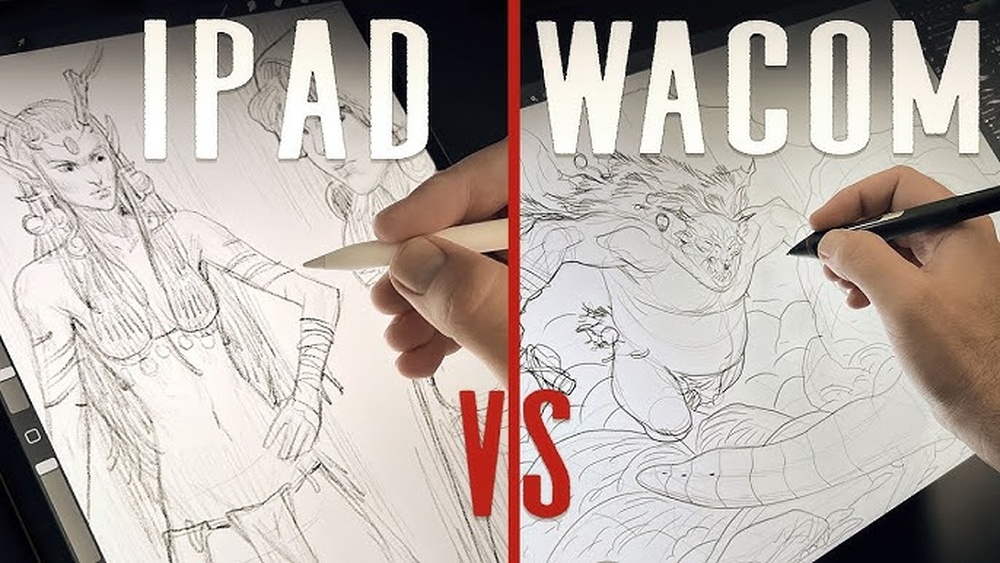
Are you torn between choosing a Wacom tablet or an iPad Pro for your digital painting projects? Both tools have strong followings and unique strengths, but picking the right one can make a huge difference in how you create and enjoy your art.
Whether you crave precise control and a large workspace or want the freedom to paint anywhere with a sleek, all-in-one device, this comparison will help you decide which fits your style and needs best. Keep reading to uncover the key features, pros, and cons that will guide you to the perfect digital painting companion.
Design And Build
The design and build of a digital painting device shape the artist’s daily experience. Both Wacom and iPad Pro offer unique approaches to design, targeting different user needs. Understanding their dimensions, screen quality, and pen comfort helps artists decide which fits their style best.
Device Dimensions And Weight
The Wacom devices tend to be larger and heavier. They often require a desk setup. This size supports extended work sessions but reduces portability. The iPad Pro is slim and lightweight. It fits easily in backpacks and hands. This makes it ideal for artists who travel or work on the go.
Screen Quality And Size
Wacom screens offer excellent color accuracy and pressure sensitivity. They are designed to show true-to-life colors for detailed work. The screen sizes vary, with some models offering large displays for broad strokes. The iPad Pro features a bright, high-resolution Retina display. It delivers vibrant colors and sharp details. The screen size balances usability and mobility well.
Pen Design And Comfort
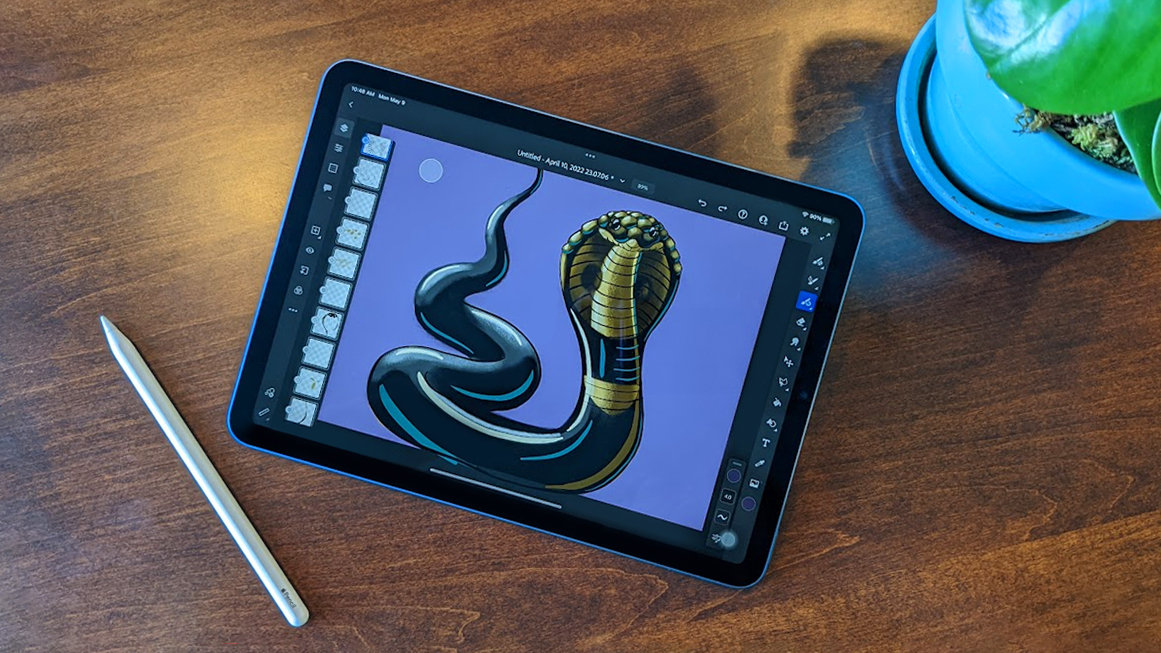
The Wacom pen is crafted for precision and long use. It feels balanced and has customizable buttons. The pen’s pressure levels allow for fine control over lines and shading. The iPad Pro uses the Apple Pencil, which is smooth and responsive. It magnetically attaches to the iPad for easy storage. The Apple Pencil’s lightweight design reduces hand fatigue during long drawing sessions.

Credit: everestkitchennc.com
Performance
Performance is a key factor in choosing between Wacom and iPad Pro for digital painting. Both devices offer strong features but differ in how they handle drawing tasks. Understanding their performance aspects helps artists pick the right tool for their needs.
Pressure Sensitivity And Accuracy
Wacom tablets are known for high pressure sensitivity, often reaching 8192 levels. This allows for precise control over line thickness and opacity. The iPad Pro, paired with the Apple Pencil, also supports 4096 pressure levels. Both devices detect tilt for shading effects. Wacom may have a slight edge in accuracy due to its dedicated pen technology. The iPad Pro performs well but can vary depending on the app used.
Latency And Responsiveness
Latency refers to the delay between pen movement and the appearance of strokes. Wacom devices have minimal latency, providing a smooth and natural drawing experience. The iPad Pro also offers low latency, often under 20 milliseconds, which feels instant to most users. Responsiveness on both devices is excellent, but the iPad Pro’s touchscreen technology enables fluid gestures and multi-touch controls. This can enhance workflow speed and ease of use.
Color Accuracy And Display Technology
Wacom Cintiq displays use advanced color calibration and support wide color gamuts like AdobeRGB. This ensures colors appear vivid and true to life. The iPad Pro features a Liquid Retina display with P3 wide color and True Tone technology. It delivers bright and accurate colors with excellent contrast. Both screens perform well for digital painting, but Wacom’s professional monitors might suit color-critical work better. The iPad Pro offers great portability with a high-quality display.
Software Compatibility
Software compatibility plays a key role in choosing between Wacom and iPad Pro for digital painting. It affects how well the device supports your favorite apps and creative workflows. Each device offers unique advantages that suit different artistic needs and preferences.
Available Drawing Apps
The iPad Pro supports a wide range of popular drawing apps like Procreate, Adobe Fresco, and Sketchbook. These apps are optimized for touch and Apple Pencil, giving a smooth drawing experience. Wacom tablets connect to desktop apps such as Adobe Photoshop, Illustrator, Corel Painter, and Clip Studio Paint. These programs offer deep features for professional artists and detailed artwork.
Integration With Creative Suites
Wacom tablets integrate seamlessly with major creative suites. They work perfectly with Adobe Creative Cloud apps, allowing easy switching between drawing, photo editing, and design. The iPad Pro also supports Adobe apps but with some feature limitations compared to desktop versions. Creative Cloud sync on iPad keeps files updated, but desktop apps offer more power for complex projects.
Operating System Flexibility
Wacom tablets connect to Windows and macOS, offering broad OS flexibility. This allows artists to use their preferred computer setup and software. The iPad Pro runs on iPadOS, designed for mobile use and touch input. It does not support traditional desktop apps natively, limiting software choices to apps from the App Store. This mobile OS suits artists who prefer portability and simplicity.
Portability And Convenience
Portability and convenience are key factors for digital artists. Choosing the right device affects your workflow and creative freedom. Both Wacom tablets and the iPad Pro offer unique benefits here. Consider how each fits your mobile lifestyle and ease of use.
Understanding the differences in mobility, battery life, setup, and multi-purpose use can help you decide the best fit. Let’s explore these aspects in detail.
Mobility And Battery Life
The iPad Pro is highly portable. It combines a touchscreen and stylus in one lightweight device. You can draw anywhere without extra equipment.
Its battery lasts about 10 hours on a full charge. This supports long creative sessions on the go.
Wacom tablets need to connect to a computer. They often require external power and cables. This limits their mobility compared to the iPad Pro.
Battery life depends on your laptop or desktop, not the tablet itself. This setup is less ideal for outdoor or travel use.
Setup And Connectivity
The iPad Pro is simple to set up. Turn it on, pair the Apple Pencil, and start drawing.
It connects wirelessly to the internet and cloud services. This makes saving and sharing art easy.
Wacom devices need drivers and software installed on a computer. Setup can be time-consuming and complex for beginners.
They connect through USB or Bluetooth to your PC or Mac. This tethered setup may reduce convenience in some spaces.
Multi-purpose Usage
The iPad Pro works well beyond digital painting. Use it for video calls, browsing, and productivity apps.
This versatility suits artists who want one device for many tasks.
Wacom tablets focus mainly on drawing and design. They rely on the connected computer for other functions.
This makes them less flexible as standalone devices but powerful for detailed art work.
User Experience
User experience plays a crucial role in choosing between Wacom and iPad Pro for digital painting. It shapes how artists interact with their tools and affects creativity flow. Understanding the ease of use, customization, and workflow efficiency helps in making the right choice.
Ease Of Use For Beginners
The iPad Pro offers a simple and intuitive interface. Beginners can start drawing immediately with the Apple Pencil. The touchscreen feels natural, like drawing on paper. Wacom tablets need software setup and driver installation. This might confuse new users. However, Wacom’s pressure sensitivity offers detailed control once learned.
Customization Options
Wacom tablets provide extensive customization. Users can assign shortcuts to buttons on the pen and tablet. This speeds up frequent tasks. The iPad Pro has fewer hardware buttons but supports gesture controls. Some apps allow shortcut customization on the screen. Wacom’s customization is better for those who want tailored workflows.
Workflow Efficiency
The iPad Pro combines drawing and editing in one device. Artists can switch between apps seamlessly. It supports multitasking with split view and drag-and-drop features. Wacom tablets rely on a connected computer, which may slow down some processes. However, Wacom’s large active area and pen accuracy help with precise work. Each device offers unique advantages for efficient workflows.
Credit: bilyanagolf.ru
Pricing And Value
Choosing between Wacom and iPad Pro for digital painting often comes down to pricing and value. Both devices offer strong features but differ in cost and what you get for your money. Understanding these differences helps you make a smart purchase that fits your budget and needs.
Initial Cost Comparison
The iPad Pro has a higher starting price than many Wacom tablets. You pay for the tablet itself, screen, and computing power in one device. Wacom tablets usually cost less upfront but require a separate computer. This setup can add to the overall expense depending on what you already own.
Accessories And Additional Expenses
Wacom requires buying a stylus, which often comes included but can be expensive to replace. You might also need a stand or screen protector. The iPad Pro needs the Apple Pencil, sold separately, plus cases or screen guards. Some apps on the iPad may require additional purchases or subscriptions.
Long-term Investment
Wacom tablets tend to last longer with fewer software updates needed. Repairs and parts may be easier and cheaper to manage. The iPad Pro updates frequently and supports many apps, but newer models appear every year. This can push users to upgrade more often to keep up with technology.
Pros And Cons
Choosing between Wacom and iPad Pro depends on who you are and how you create. Each device suits different creative needs. Understanding ideal user profiles helps pick the best fit. This section breaks down the best matches for each device.
Professional Artists And Designers
Wacom tablets offer precise pen control and large drawing surfaces. Professionals benefit from pressure sensitivity and customizable buttons. These features support detailed work and complex projects. The iPad Pro appeals to designers who want mobility and quick sketching. It combines drawing with editing and other tasks. Both tools serve professionals well, depending on workflow and style.
Hobbyists And Students
The iPad Pro is easy to start with and highly portable. Hobbyists enjoy its user-friendly apps and natural feel. Students appreciate the all-in-one device for learning and creativity. Wacom tablets provide a more traditional drawing experience. They help beginners develop skills with precise pen input. Budget and convenience often guide this group’s choice.
Hybrid Creatives And Multi-taskers
Creatives who juggle drawing, editing, and productivity find the iPad Pro useful. It supports multiple apps and workflows on a single device. Portability lets them work anywhere, anytime. Wacom tablets connect to computers and offer focused drawing tools. They suit users who prefer dedicated hardware for art. Both options fit hybrid needs, depending on how much multitasking is required.
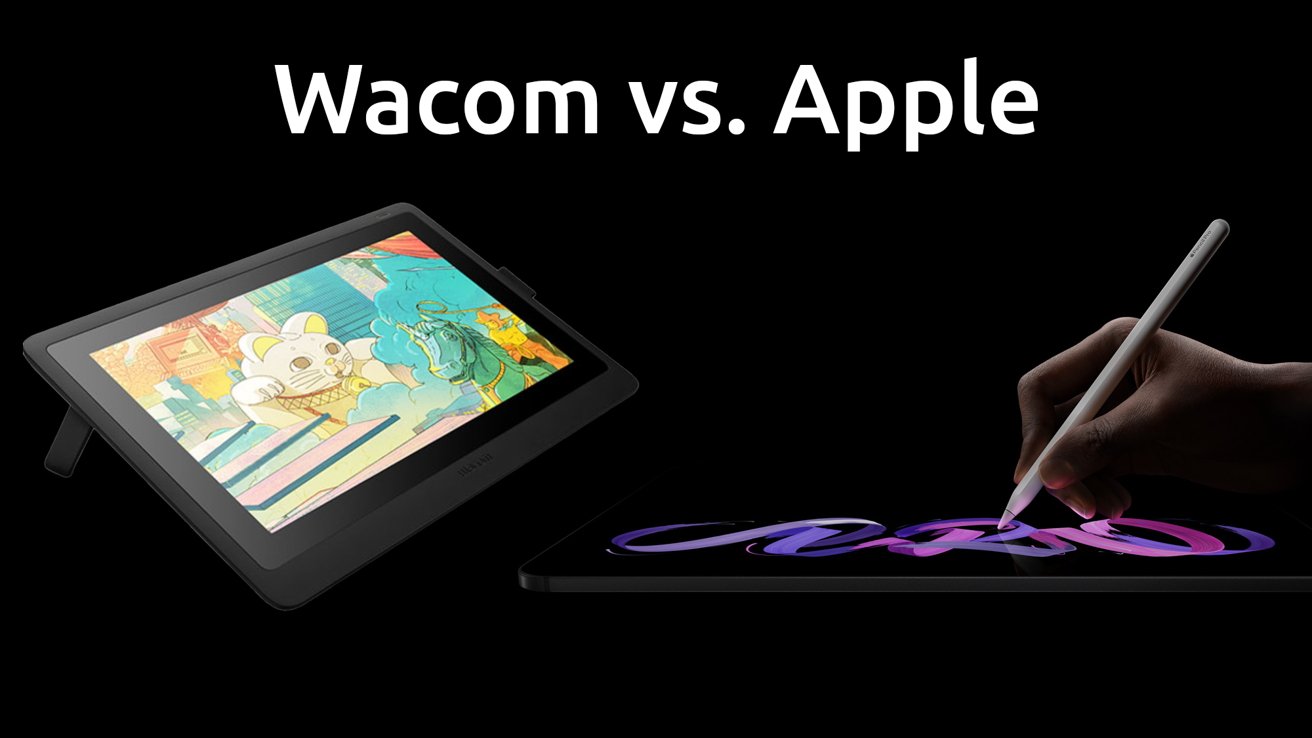
Credit: appleinsider.com
Frequently Asked Questions
Is Wacom Better Than Ipad For Digital Art?
Wacom offers superior precision and larger workspaces for detailed art. IPad excels in portability and all-in-one convenience. Choose based on your professional needs or mobility preference.
Which Device Is Best For Digital Art?
Wacom tablets offer professional precision and advanced pen control for detailed digital art. IPad Pro excels in portability and seamless creative workflow. Choose Wacom for accuracy; pick iPad Pro for convenience and all-in-one functionality. Both suit different artist needs effectively.
Which Ipad Is Best For Digital Painting?
The iPad Pro is best for digital painting, offering powerful performance, a large display, and Apple Pencil support for precision.
Can I Use An Ipad Pro Like A Wacom Tablet?
Yes, you can use an iPad Pro like a Wacom tablet with apps like Procreate, Astropad, or Duet Display. It offers portability and a responsive stylus but lacks some advanced features and customization found in Wacom devices. Choose based on your drawing needs and workflow preferences.
Conclusion
Both Wacom and iPad Pro offer strong options for digital painting. Wacom suits artists who need precise control and large drawing areas. IPad Pro works well for those who want portability and all-in-one convenience. Consider your budget, workspace, and how you create art daily.
Each device has unique strengths to fit different artistic needs. Choose the one that matches your style and workflow best. Either way, both tools can help bring your digital art ideas to life.