Are you ready to unlock the secret to creating stunning digital art faster than ever? Digital speed painting is your ticket to capturing ideas quickly without getting lost in every tiny detail.
Whether you want to improve your skills, meet tight deadlines, or simply enjoy the thrill of painting with speed, these tips will transform how you approach your digital canvas. Keep reading, and you’ll discover simple, effective strategies that can boost your confidence and creativity—making your digital paintings not just faster, but better.
Let’s dive in and start painting with purpose and speed!
Essential Tools
Digital speed painting requires specific tools to work efficiently and creatively. The right setup lets you focus on painting fast without technical hiccups. Choosing software, brushes, and hardware carefully makes the process smooth and enjoyable.
Each tool plays a role in how quickly and well you can paint. Understanding these essentials helps you build a workflow that fits your style and speed.
Choosing The Right Software
Select software that runs smoothly on your computer. Look for programs with easy-to-use interfaces and fast response times. Popular options include Photoshop, Procreate, and Krita. These offer versatile tools and quick brush loading. Make sure the software supports layers and custom brushes. A simple layout helps save time during painting.
Brush Selection
Pick brushes that match your painting style and speed needs. Use basic round brushes for fast blocking of colors. Texture brushes add detail without extra effort. Limit the number of brushes to avoid confusion. Test brushes before starting your painting session. Adjust brush settings like opacity and flow for better control. Quick changes in brush size help speed up work.
Hardware Setup
Use a tablet with pressure sensitivity for natural strokes. A pen display or a graphics tablet works best. Ensure your computer has enough RAM and a good processor. A large, high-resolution monitor shows details clearly. Keep your workspace clean and organized. Use shortcuts and a comfortable chair to reduce strain. A fast setup reduces lag and keeps your focus on painting.
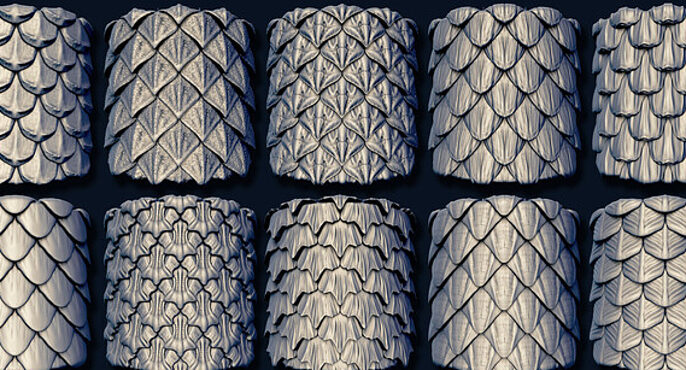
Credit: cubebrush.co
Basic Techniques
Basic techniques form the foundation of digital speed painting. They help you paint faster while keeping your work clear and effective. Master these simple methods to save time and create strong digital art quickly.
Flatting For Speed
Flatting means filling shapes with solid colors fast. It sets the stage for details later. Use flat colors to separate different parts of your painting. This step helps you see the composition clearly. Flatting makes painting easier by organizing the image.
Using Large Brushes
Large brushes cover more area quickly. They help block in colors and shapes without fuss. Use big brushes to lay down broad strokes and base tones. This method keeps your painting loose and energetic. Large brushes speed up the painting process significantly.
Blocking In Shapes
Blocking in means painting the main shapes first. Focus on simple forms and colors. Ignore details at this stage. This technique builds the painting’s structure fast. It helps you plan the composition before adding complexity. Blocking in creates a strong foundation for your artwork.
Color Strategies
Color plays a vital role in digital speed painting. It sets the mood and defines the form quickly. Using smart color strategies saves time and improves results. Focus on simple methods that speed up your workflow. Balance your colors to keep the painting clear and vibrant. Below are key color strategies to try in your next speed painting session.
Limited Color Palettes
Choose a small set of colors before you start painting. This limits choices and speeds decision-making. A limited palette creates harmony and helps you focus on shapes. Pick colors that work well together, like warm tones or cool tones. Use a few shades for shadows and highlights. This method reduces confusion and keeps your painting unified.
Quick Color Blocking
Start by filling large areas with flat colors. Block in main shapes fast without details. This approach helps you see the overall composition clearly. Use simple brushes to lay down colors quickly. Avoid blending at this stage to save time. Color blocking guides your next steps and keeps the painting on track.
Using Speedpaint Medium
Speedpaint Medium is a tool that aids quick color application. It allows colors to flow smoothly and blend naturally. Load your brush with plenty of paint for a thick, even coat. Apply colors generously over areas, letting them mix in softly. This technique speeds up painting and adds texture. It works great for backgrounds and broad strokes.
Brushwork Tips
Brushwork plays a key role in digital speed painting. It shapes the overall feel and flow of your artwork. Proper brush techniques help save time and create dynamic effects. Simple strokes can express energy and mood without extra effort.
Focus on how you blend colors, make strokes, and control details. These aspects build a strong foundation for speed painting. Let’s explore some useful brushwork tips to improve your digital art.
Blending Efficiently
Use soft brushes with low opacity to blend colors smoothly. This method keeps transitions gentle and natural. Avoid over-blending, which can make the painting look flat. Instead, blend just enough to unite colors but keep texture visible.
Try using a smudge tool lightly for quick color mixing. Work in small areas to maintain control. Efficient blending saves time and adds depth without extra layers or adjustments.
Applying Loose Strokes
Loose strokes give life and movement to your painting. Use quick, confident brush marks instead of tight, careful lines. This approach captures shapes and forms fast.
Vary your stroke direction and pressure to add interest. Let the brush lift and skip to create texture. Loose brushwork encourages creativity and keeps the process lively.
Avoiding Over-detailing
Speed painting is about capturing essence, not perfection. Avoid spending time on tiny details early on. Details can clutter the image and slow you down.
Focus on main shapes and values first. Add details only where they matter most. This keeps your painting fresh and dynamic. Over-detailing can kill the energy of your speed paint.
Composition Hacks
Strong composition makes your digital speed painting clear and attractive. It guides the viewer’s eye and sets the mood quickly. Simple tricks help you create a balanced and engaging image fast.
Focus on shapes, reduce noise, and play with light. These hacks save time and improve your painting’s impact.
Focusing On Silhouettes
Start by defining bold and clear silhouettes. They show the main shapes of your subject without details. A strong silhouette makes your painting easy to read at a glance. Use simple, large shapes to build the form. This keeps your composition strong and clean.
Simplifying Backgrounds
Keep backgrounds minimal and unobtrusive. Avoid adding too many details behind your subject. Use soft colors and simple shapes to avoid distraction. This helps your main subject stand out more. A simple background speeds up your workflow and adds depth.
Emphasizing Light And Shadow
Use light and shadow to create contrast and focus. Bright areas attract attention, while dark areas add mystery. Paint shadows with broad strokes to show form quickly. Highlight edges where light hits to add volume. This adds drama and guides the viewer’s eye fast.
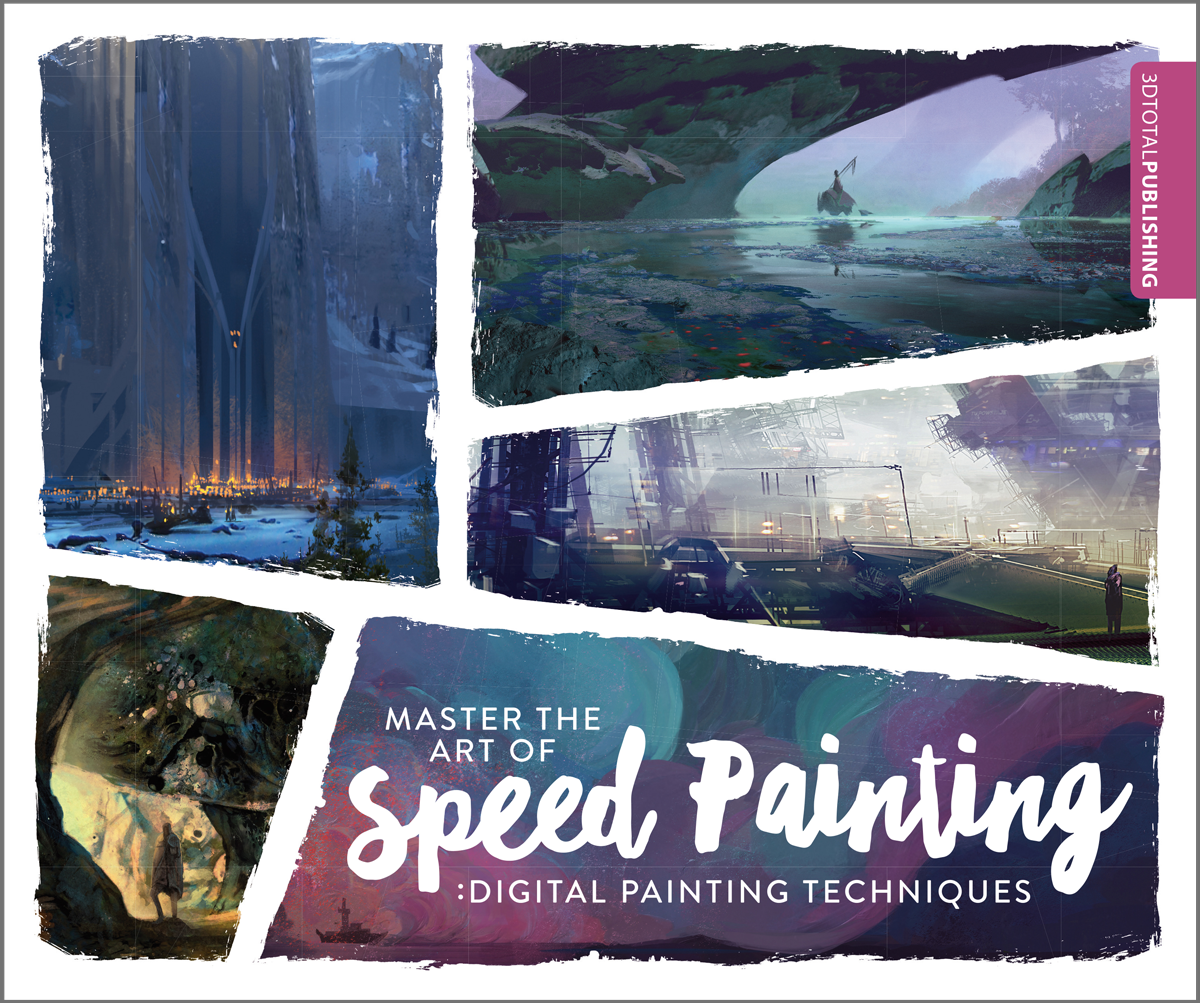
Credit: store.3dtotal.com
Time Management
Managing your time well is key to successful digital speed painting. It helps you stay focused and finish your artwork quickly. Good time management keeps your painting process smooth and less stressful.
Setting Time Limits
Give yourself a set time to complete your painting. Use a timer or clock to track your work. Short limits push you to paint faster and avoid overthinking. Keep your sessions between 15 to 60 minutes for best results.
Prioritizing Key Areas
Focus on the most important parts of your painting first. Detail the main shapes and colors before moving to smaller elements. This ensures your painting looks good even if you run out of time. Save less important areas for last or leave them simple.
Using Speedpaint Sessions
Practice with timed speedpaint sessions regularly. These sessions train your brain to paint quickly and efficiently. Try different themes or subjects to build your skills. Track your progress by comparing old and new paintings.
Common Mistakes
Digital speed painting is a fast and fun way to create art. Yet, beginners often make mistakes that slow them down or hurt their work. Knowing common errors helps you avoid them and improve quickly. Focus on these mistakes to paint better and faster.
Overworking The Artwork
One frequent mistake is overworking the painting. Artists add too many strokes or details. This can make the image look messy or tired. Speed painting is about capturing the idea fast, not perfecting every part. Stop and step back to see if your painting feels complete.
Ignoring Values
Values are the light and dark areas in your painting. Ignoring values makes the art flat and unclear. Good value contrast creates depth and focus. Spend time blocking in strong lights and darks first. This helps the painting read well, even with loose brushwork.
Getting Stuck On Details
Focusing too much on small details wastes time. Speed painting aims to catch the big shapes and mood. Details can come later in a finished piece. Avoid zooming in too soon or refining tiny areas. Keep your brushstrokes broad and simple to keep the flow.
Practice Routines
Practice routines shape your digital speed painting skills fast. Focused repetition builds confidence and sharpens your eye. Set clear goals to improve steadily. The right routine fits your style and schedule. Below are key practice ideas to keep your progress steady and fun.
Daily Speed Challenges
Try quick painting sessions every day. Limit your time to 10 or 15 minutes. This forces you to paint fast and focus on essentials. Pick simple subjects like faces or objects. Track your growth by comparing old and new works. Daily challenges boost decision-making and brush control.
Studying Masterworks
Learn by copying fast paintings by skilled artists. Observe how they use colors and shapes quickly. Try to match their style in a short time. This teaches techniques and speeds up your workflow. Analyze what makes their paintings effective and clear. Studying masters inspires and guides your practice.
Using Reference Efficiently
Keep your reference images ready and organized. Choose clear, simple pictures that show main details. Avoid overloading your canvas with too many references. Focus on key shapes, colors, and light spots. Use references to guide, not to copy every detail. This saves time and improves accuracy.
Video Creation Tips
Creating videos of your digital speed paintings can boost your art’s reach. Good videos show your process clearly and keep viewers interested. Focus on simple recording and editing tricks to make your videos look professional. Sharing your videos on the right platforms helps you connect with other artists and fans.
Recording Speedpaints
Use screen recording software that captures your painting smoothly. Set your canvas size before you start recording. Keep your strokes visible by zooming in on details. Record at a steady frame rate to avoid choppy playback. Try to record in a quiet place to reduce background noise if you add voiceover later.
Editing For Clarity
Trim unnecessary parts to keep the video short and focused. Speed up slow sections to maintain viewers’ attention. Add captions or notes to explain key steps. Use zoom or highlight tools to show details clearly. Balance video speed so viewers can follow your painting without getting lost.
Sharing On Platforms
Choose platforms that suit your audience, like YouTube or TikTok. Use clear titles and descriptions with relevant keywords to help people find your videos. Add tags related to digital art and speed painting. Post regularly to keep your audience engaged. Respond to comments to build a community around your art.

Credit: www.amazon.com
Frequently Asked Questions
What Is The 80/20 Rule In Painting?
The 80/20 rule in painting means 80% of your effort should focus on 20% of the painting that impacts most. This improves efficiency and quality.
What Is The 70 30 Rule In Drawing?
The 70 30 rule in drawing means 70% of the work focuses on main elements, while 30% adds details and texture.
How Do You Apply Speedpaint Properly?
Apply Speedpaint by loading your brush generously, covering key areas quickly. Let pigments flow into details without worrying about edges. Focus on broad strokes to capture form, then refine selectively. Work fast to maintain energy and spontaneity in your digital painting process.
How Long Should A Speedpaint Video Be?
A Speedpaint video should typically last between 1 to 5 minutes. Keep it concise to maintain viewer interest and showcase key painting stages effectively.
Conclusion
Digital speed painting improves with practice and patience. Focus on simple shapes and quick brush strokes. Use layers to build depth without losing speed. Limit details to keep your work lively and fresh. Experiment with colors to create vibrant effects fast.
Remember, each painting teaches new skills and techniques. Keep practicing regularly to see steady improvement. Enjoy the process and express your creativity freely. Digital speed painting offers fun and rewarding art experiences.