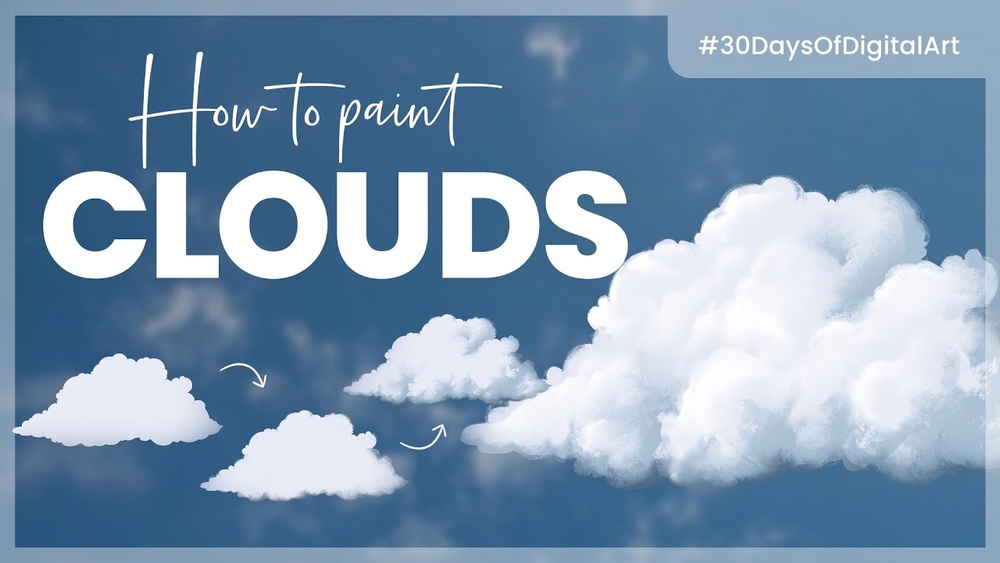
Have you ever wanted to bring the sky to life with soft, fluffy clouds that look so real you can almost feel the breeze? Painting realistic clouds in Procreate might seem tricky at first, but with the right techniques, you can create stunning skies that elevate your digital art.
In this guide, you’ll discover simple steps and insider tips that make cloud painting easier than you think—no matter your skill level. Ready to transform your artwork and impress everyone with your cloud creations? Let’s dive into how you can master painting realistic clouds in Procreate!

Credit: bardotbrush.com
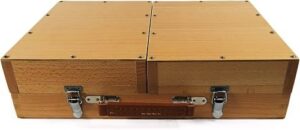
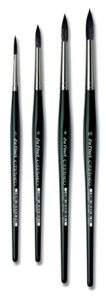
Tools And Brushes
Adding depth and dimension to your clouds in Procreate makes them look real and lively. It helps create a sense of space and volume. Without depth, clouds appear flat and unnatural. Using simple techniques, you can build layers, shadows, and highlights to enhance realism. These steps guide you to paint clouds that feel soft and full of life.
Layering Colors For Realism
Start with a base color that matches your sky. Use a soft brush to add light tones where the sun hits. Then, apply mid-tones to form the cloud’s body. Add darker shades at the bottom or edges to show thickness. Layer colors lightly and build up slowly. This approach gives clouds a natural, fluffy look.
Using Shadows And Highlights
Shadows give clouds weight and shape. Paint shadows using cool, muted colors under the cloud. Highlights show where light touches the cloud surface. Use a soft white or warm color for highlights. Paint these on the edges and top parts. Shadows and highlights work together to create volume and contrast.
Employing The Smudge Tool
The Smudge Tool blends colors smoothly. Use it to soften hard edges and mix layers gently. Adjust the tool’s strength to keep some texture. Smudge around the cloud’s edges to mimic soft, wispy parts. This tool helps create the natural flow and softness of clouds. It makes your painting feel more realistic and dynamic.
Credit: www.reddit.com

Credit: www.youtube.com
Techniques for Convincing Procreate Clouds
Start with soft shapes
Block cloud masses with a soft airbrush or cloud brush, keeping the silhouette irregular.
Add a shadow side
Clouds are three dimensional. Add a cooler, darker underside and a lit top.
Mix hard and soft edges
Use the smudge tool or a soft eraser to soften some edges, and keep others crisp near the light.
Use perspective
Clouds get smaller, flatter and closer together near the horizon.
Colour the light
Warm sunlit edges at sunrise or sunset make clouds glow.
Frequently Asked Questions
How To Draw Realistic Clouds In Procreate?
Use a soft watercolor brush to sketch cloud shapes. Blend edges with the smudge tool for softness. Add layers to build depth and highlights for realism.
What Brush To Use For Clouds In Procreate?
Use soft watercolor or cloud-specific brushes in Procreate for realistic cloud textures. Blend edges with the smudge tool for softness.
How Do I Draw Realistic Clouds?
Start with a soft round brush to sketch cloud shapes. Layer light and dark tones for depth. Blend edges softly using a smudge tool. Add highlights and shadows to create volume. Keep shapes irregular and avoid harsh lines for realism.
How To Make Clouds Look Realistic In A Painting?
Use soft, layered brush strokes to build depth and texture. Blend edges gently for a natural look. Add light and shadow for realism.
Conclusion
Painting realistic clouds in Procreate takes practice and patience. Use simple brushes and blend colors softly. Build layers slowly to add depth and light. Study real clouds to understand their shapes well. Keep your strokes loose and natural for best results.
Enjoy the process and don’t rush your work. With time, your clouds will look more real. Keep experimenting and have fun creating beautiful skies.