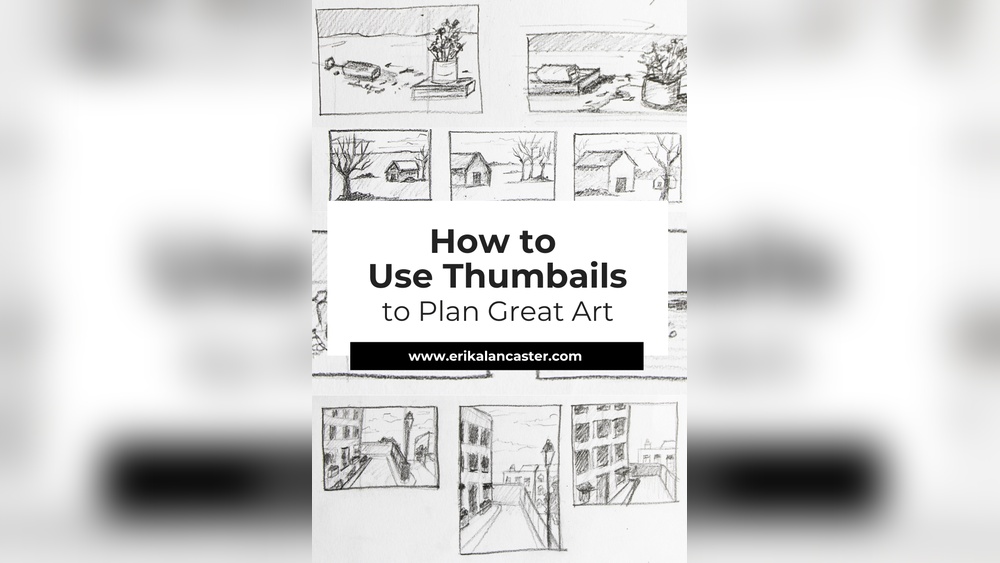
If you want to bring your creative ideas to life quickly and clearly, mastering digital thumbnail sketching is a game-changer. Thumbnail sketches are small, simple drawings that help you plan your artwork, organize your thoughts, and explore different compositions without getting bogged down in details.
But how do you make the most of this powerful tool using digital devices? In this guide, you’ll discover easy steps and smart techniques to create effective thumbnail sketches digitally. Whether you’re a beginner or looking to speed up your workflow, learning how to do thumbnail sketching digitally will save you time, boost your creativity, and improve your final designs.
Ready to unlock your artistic potential? Let’s dive in!
Credit: www.muddycolors.com
Benefits Of Digital Thumbnail Sketching
Choosing the right digital tools plays a key role in effective thumbnail sketching. The right software and hardware simplify your workflow. They help you focus on ideas, not technical problems. Selecting tools that match your style and needs boosts creativity. It also makes sketching faster and more enjoyable.
Top Drawing Apps For Thumbnails
Several drawing apps work well for thumbnail sketches. Procreate offers a simple interface with many brush options. Adobe Fresco supports both raster and vector brushes for flexible sketches. Clip Studio Paint provides powerful tools for detailed and quick drawing. Autodesk SketchBook is free and perfect for beginners. These apps allow fast idea capture and easy editing.
Hardware Options For Sketching
A good tablet or computer enhances your sketching experience. iPads with Apple Pencil give smooth control and pressure sensitivity. Graphics tablets like Wacom Intuos connect to your computer for precise drawing. Some artists prefer touchscreen laptops for direct sketching. Choose hardware that feels comfortable for long sketch sessions. Battery life and portability also matter for working anywhere.
Setting Up Your Workspace
Create a clean and organized workspace to improve focus. Good lighting reduces eye strain during sketching. Position your screen at eye level to avoid neck pain. Keep your stylus and tools within easy reach. Minimize distractions by clearing clutter around your desk. A comfortable chair supports better posture and longer drawing time.

Credit: www.reddit.com
Credit: theelearningcoach.com
Why Thumbnails Save Time
Explore quickly
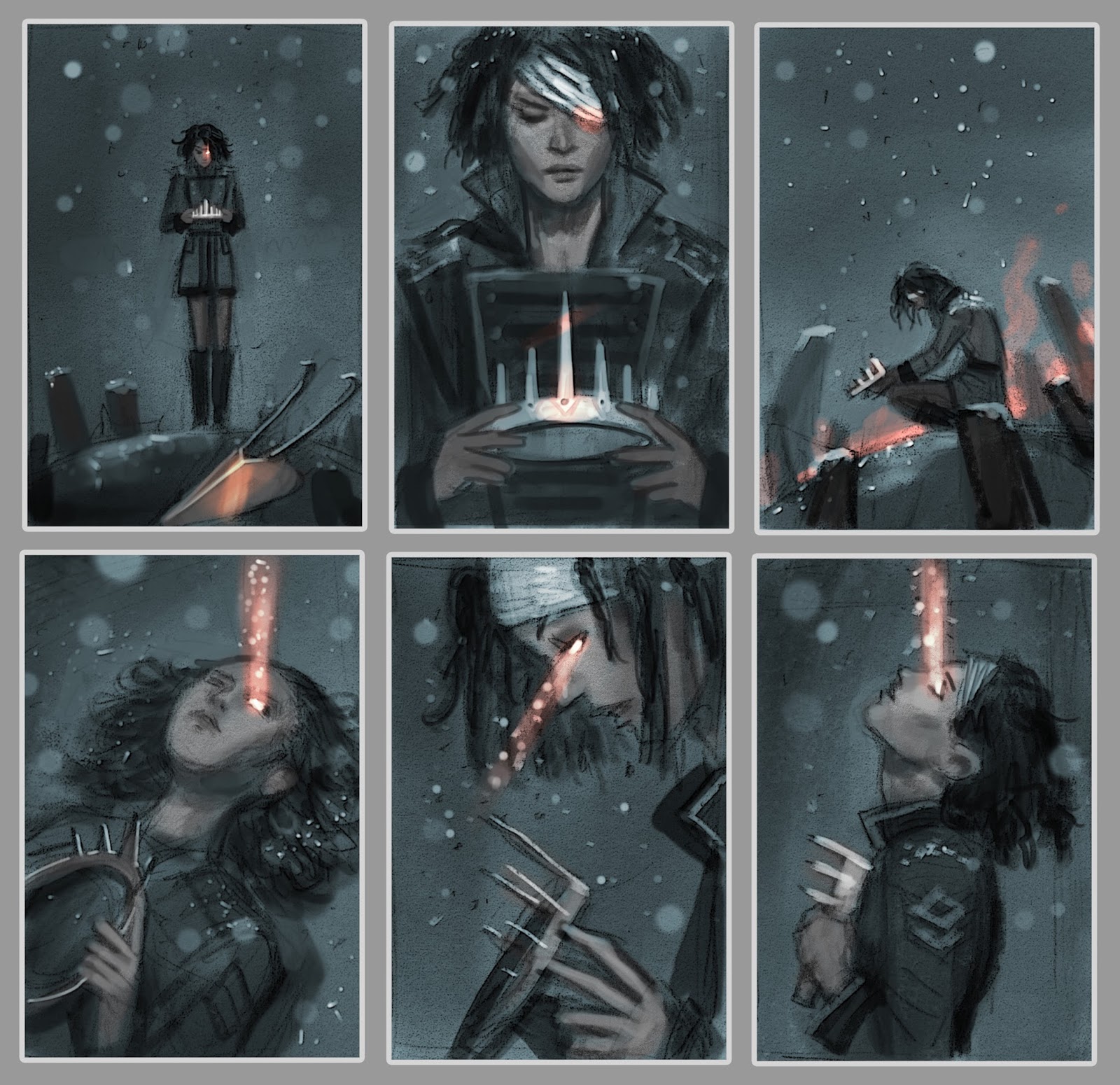
Small thumbnails let you try many compositions in minutes rather than committing hours to one.
Focus on big shapes
At thumbnail size you cannot add detail, so you judge composition and values honestly.
Use greyscale
Three or four values are enough to test whether a composition reads.
Keep them tiny
Around the size of a postage stamp on screen, zoomed out, keeps you from fiddling.
Pick and scale up
Choose the strongest thumbnail, enlarge it to full canvas size and use it as the base for the painting.
Frequently Asked Questions
How To Create A Thumbnail Sketch?
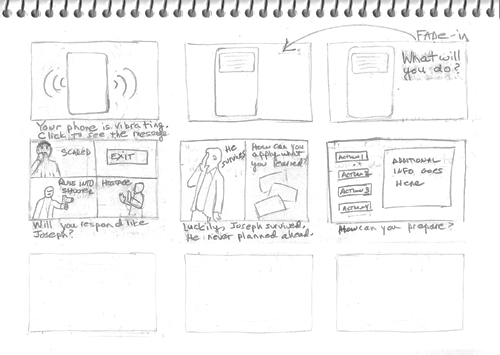
To create a thumbnail sketch, draw small, simple boxes on paper or digitally. Quickly sketch basic shapes and compositions. Focus on layout, not details. Experiment with different ideas. Keep sketches loose to capture the overall concept efficiently.
What Are Common Mistakes In Thumbnail Sketches?
Common mistakes in thumbnail sketches include adding too much detail, losing the big picture, and not keeping sketches loose and simple.
How Do Artists Use Thumbnail Sketches?
Artists use thumbnail sketches to quickly explore ideas and compositions before starting detailed work. They help plan layouts and improve creativity efficiently.
What Apps Do Most Digital Artists Use To Draw?
Most digital artists use apps like Procreate, Adobe Photoshop, Clip Studio Paint, and Krita for drawing. These apps offer versatile brushes and professional tools.
Conclusion
Thumbnail sketching digitally helps plan art quickly and clearly. Keep sketches small and simple to explore ideas fast. Use your favorite digital tools to try different layouts. Avoid adding too much detail early on. Focus on shapes and composition first.
Practice often to improve your speed and creativity. This method saves time and guides your final artwork. Try different brushes and tools to find what works best. Remember, thumbnails are just the first step, not the final piece. Keep sketching and enjoy the creative process.